Setup guide
Glomax8k on iPhone, iPad and Apple TV
Apple devices make this quick: download a player from the App Store, type in your login once and you're done. Some apps even sync your login from iPhone to Apple TV.
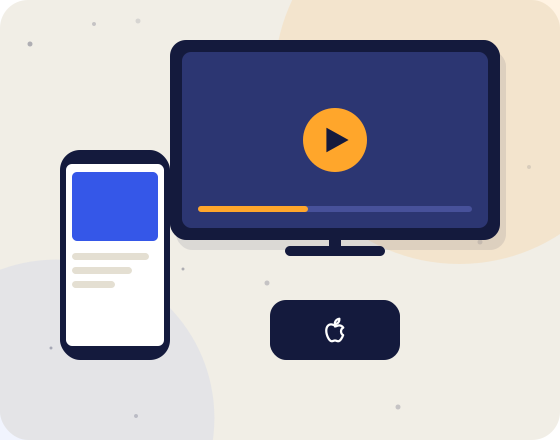
There are several good IPTV players for Apple devices. We suggest picking one that runs on both iPhone and Apple TV, so the experience is the same on each screen.
Step by step
Pick an app
On the App Store, search for iPlayTV, IPTVX, GSE Smart IPTV or Smarters Player Lite. iPlayTV and IPTVX feel the most at home on Apple TV.
Add a new playlist
Open the app and choose to add a playlist or provider. Select the Xtream Codes option if it is offered; otherwise use the M3U link.
Enter your details
Type the server, username and password from our message. On Apple TV you can often use your iPhone keyboard to type.
Watch, or AirPlay
Channels load in a few seconds. On iPhone or iPad you can also AirPlay the picture to a compatible TV.
Good to know on Apple devices
- Some apps are paid or have in-app purchases. That money goes to the app developer, not to us.
- AirPlay from a phone is fine for a quick watch; for long evenings the Apple TV app is more stable.
- Allow the app to keep running in the background if you want audio to continue when you lock the phone.
Questions about this device
Which app is best on Apple TV?
iPlayTV and IPTVX both have a clean interface and a good guide. Try the free versions or trials first, using your test line.
Can I watch on iPad while travelling?
Yes. Remember a standard line plays on one screen at a time, so someone at home may be cut off while you watch.
Does it work on Mac?
Yes. Some of these apps have Mac versions, or you can use VLC with the M3U link.